

TECHNICAL SUPPORT


Published 2026-05-14
When you plan to use Arduino to drive aservoto complete a small project, clear connection logic is more critical than copying the drawings. The key value ofthe Arduinoservoconnection diagramis to transform the original abstract signal path into wiring steps that can be implemented in practice, so that both hobbyists and novices can quickly sort out the corresponding relationships of the three wires, and avoid the situation where the wrong pins are connected, causing theservoto shake and make noise.
Many novices who come into contact with open source hardware for the first time will unconsciously use Dupont wires to splice the servo wiring for the first time. As a result, either the entire axis does not move, or the servo vibrates at high frequency in place. This is because the most basic three-wire division of labor logic is not followed: the yellow signal clue of the servo, Only connect to the digital pins marked with PWM on the Arduino. The red positive wire is connected to the 5V output pin, and the dark brown negative wire is all connected to the GND common terminal on the expansion board. This correspondence is exactly the core backbone of all basicservo Arduino connection diagrams .
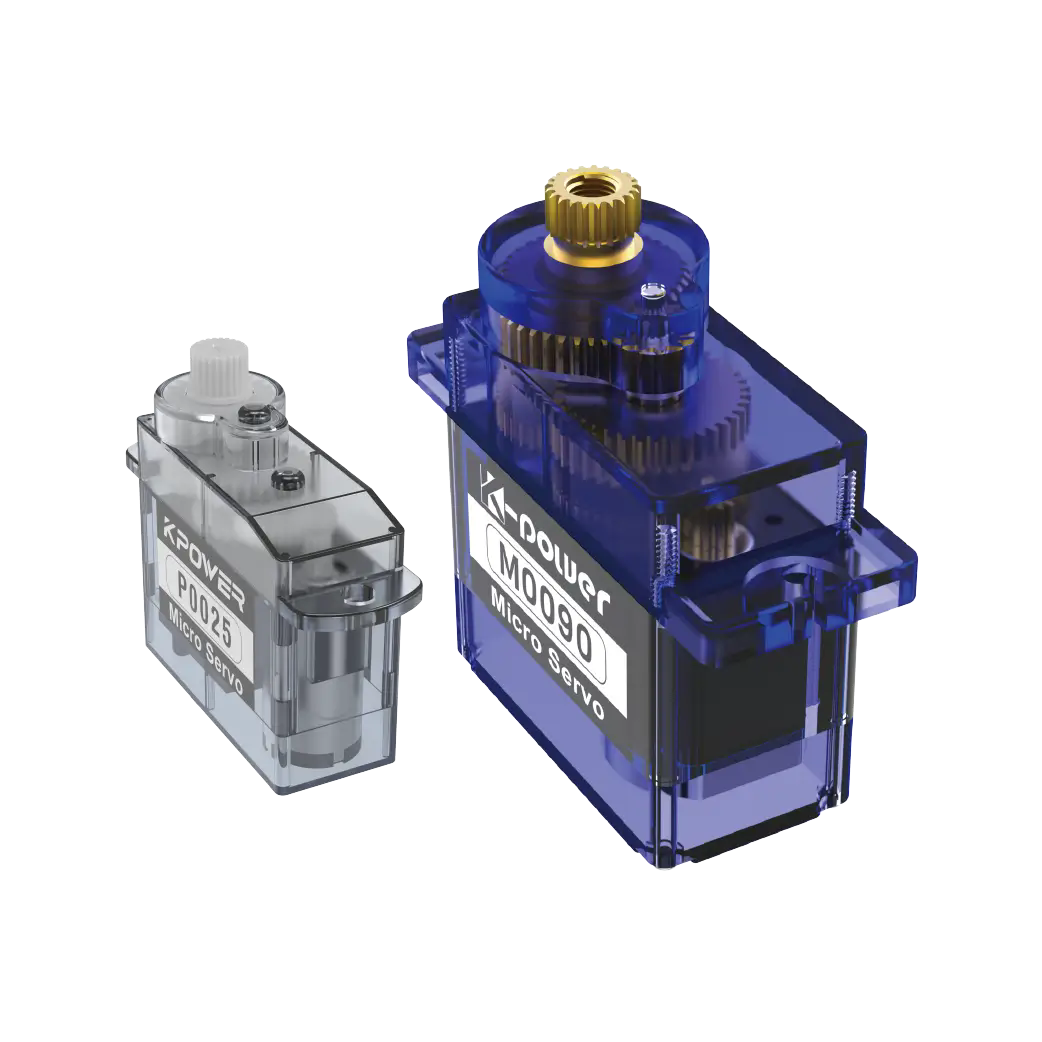
For the entry-level case, we choose the very common 9-gram plastic tooth servo. This servo is the most frequently used type in daily projects. It does not require an additional power supply module. It only relies on the Arduino The current output from the 5V pin of the Uno motherboard can be stably driven. First, take 3 male-to-male Dupont wires about 10 cm long and place them side by side on the side of the wire box. Insert the wires one by one into the corresponding slots in the order of yellow - signal, red - 5V, and brown - GND. After completing the wiring, carefully check each wire with the referenceservo arduino connection diagram, so that nearly 80% of wiring errors can be eliminated.
This set of wiring operations does not require complicated professional hardware background. Even beginners who have never been exposed to circuit wiring can complete the entire process by checkingthe servo Arduino connection diagramstep by step. After connecting the wires, click on the IDE programming software that comes with the motherboard and upload the Sweep sample test code that comes with the servo library. In 1 to 2 seconds after powering on, the servo rocker can run smoothly from 0 degrees to 180 degrees and back without jitter.
When dealing with metal gear servos that drive more than 10 kgcm of torque and high torque, we cannot copy the logic of using the motherboard's own 5V pin to directly draw power. The stalled current of this type of servo will be so high that it approaches 1 A. The linear voltage regulator chip of the motherboard cannot carry such a large load and will generate heat, triggering overheating protection and causing a power outage. At this time, refer to the connection diagram between the servo and arduino with the external power supply mark, and independently connect the positive and negative poles of the servo to the output end of the external 6V regulated power supply. Only plug the signal end into the output PWM pin of the main control board. Finally, be sure to use a The wire connects the negative pole of the external power supply and the GND pin of the main control board to a common ground to ensure that the transmitted reference level signal is accurate. Otherwise, the servo will not receive a stable point trigger, and will jump and swing inexplicably, wasting project debugging time.
When a large number of enthusiasts first try to connect the external power supply, it is easy to miss the key step of common ground. They watch the servo shake for several minutes but cannot find the root cause. In fact, they glanced at the simple connection diagram before and missed the common ground prompt noted in small print on the side. You can make a final confirmation at the last moment after completing the external power supply wiring. Check each wire one by one according to the circuit on the diagram. Do not mistakenly plug the red-brown negative wire of the servo into the 5V hole of the motherboard to prevent the pin from instantaneous overcurrent and burning the pad.
Many enthusiasts, when followingthe servo Arduino connection diagramto connect multiple servos to work in parallel, it is very easy to plug several servos directly into the onboard drive circuit for power supply. As a result, at the moment of power-on, they will see a yellow light alarm on the voltage stabilizing part of the main control board. Under normal circumstances, Arduino The maximum continuous output of the 5V voltage regulator circuit on the Uno board only just reaches 500mA. Anything more is within the scope of current limitation. At the same time, if you drive more than 2 ordinary servos, it is particularly easy to cause the trigger current to exceed the limit and cause a trip. At this time, you must strictly follow the guidelines given by the extended connection diagram of dual categories to connect those The power supply pins of all servos that perform tasks are unified to the terminal strip of the shared external drive power supply module to complete the unified power supply operation. The PWM control lines from each servo are connected in order to areas 6, 9, and 10 on the main control, which are standard PWM special output pins. The negative poles of all power loops are also centrally connected to the common area to eliminate the potential difference at each point.
During the operation practice, you can prepare a printed version of the connection diagram between the servo and Arduino that is specially pasted on the edge of the experimental bench so that you can check the situation at any time. Even if a temporary power outage occurs in the middle, then restart and go back to work, the connection position of the signal line will not be confused and the connection will not occur.
According to the popular saying in the open source hardware education circle, the entire process of wiring is to first identify the line sequence, and then plug the wires. Before powering on, check and compare once, and then carry out follow-up actions after final confirmation. This is the most practical and safe way to avoid burning out the hardware. When the line sequence corresponds to the drawing one by one, what you get when you upload the test code is a smooth and continuous steering movement without lag, and there will be no weird situation like the steering wheel jumping. This is the real experience that most entry-level enthusiasts have summarized through dozens of practical trials and errors after stepping on the pitfalls. It is completely worthy of every beginning user to strictly refer to, abide by and implement.
Here is a quick Q/A table for frequently asked questions encountered in practical high-frequency operations:
Q: If there is still no response after fully checking the servo wiring, what should I check first?
A. First of all, the first priority check is to check the GND common line connection status. This is the core key point with the highest omission rate when novices are wiring.

Q: What causes the high-frequency jittering and abnormal sound produced by the 9g basic servo after it is started?
A: The power supply current strength has been checked and found to be insufficient. Replace it with a rated high-current external independent power supply method. This can quickly eliminate abnormal noise.
Q: What will happen if the servo signal white wire is mistakenly connected to an ordinary non-PWM digital pin?
A. The servo failed to obtain the pulse signal command that complied with the regulations, and it was always in an abnormal operating state of shaking and trembling randomly one step at a time.
Q: Do I need to add an additional signal splitter board to control multiple servos at the same time to drive them stably?
A: There are no small torque models with more than three units. An ordinary open source main control can be driven directly and stably by directly connecting the signal with no problem at all.
Question: During the normal driver upload process, the compiler cannot prompt to search for the Servo library?
First, enter the IDE manager area to search for the name of the official library, and then complete a one-click, fully automated installation to restore the adaptation support state.
Question: Is it feasible to drive a servo with high torque to adjust the maximum angle beyond the reference range given by the manufacturer?
Firstly, it is not recommended to perform double-breaking extreme value operations for software and hardware. Secondly, being in a high-pressure and overloaded state for a long time will inevitably accelerate the wear of gears to the point of scrapping.
The focus of each operation has always been based on the basic wiring logic ofthe servo Arduino connection diagram. Whether it is a single entry-level light driver or a project involving multiple high-torque expansion linkages, a stable and reliable wiring strategy is always the first solid foundation for the smooth operation of the hardware project. After you take the printed connection diagram and repeatedly check the wiring sequence of the complete route more than once, the subsequent debugging workflow will be like spring water flowing smoothly, and each steering gear project in your hand can be steadily implemented and carried out smoothly and move forward steadily.kpowerServo's universal factory wire color standard is fully adapted to this set of three-wire sequence corresponding rules. It is very versatile and can be compatible with the plugging habits of most open source development boards.
Update Time:2026-05-14

Contact Kpower's product specialist to recommend suitable motor or gearbox for your product.


