

TECHNICAL SUPPORT


Published 2026-03-21
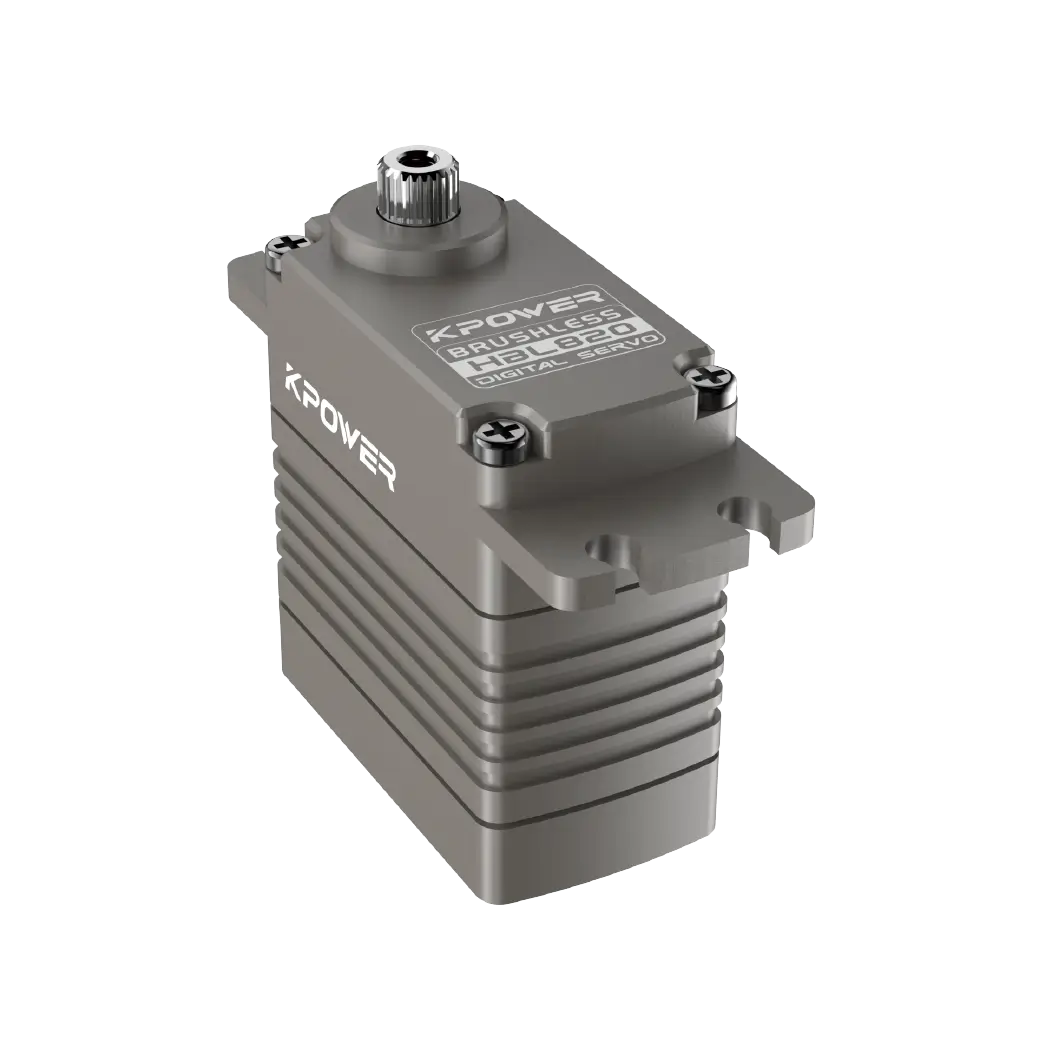
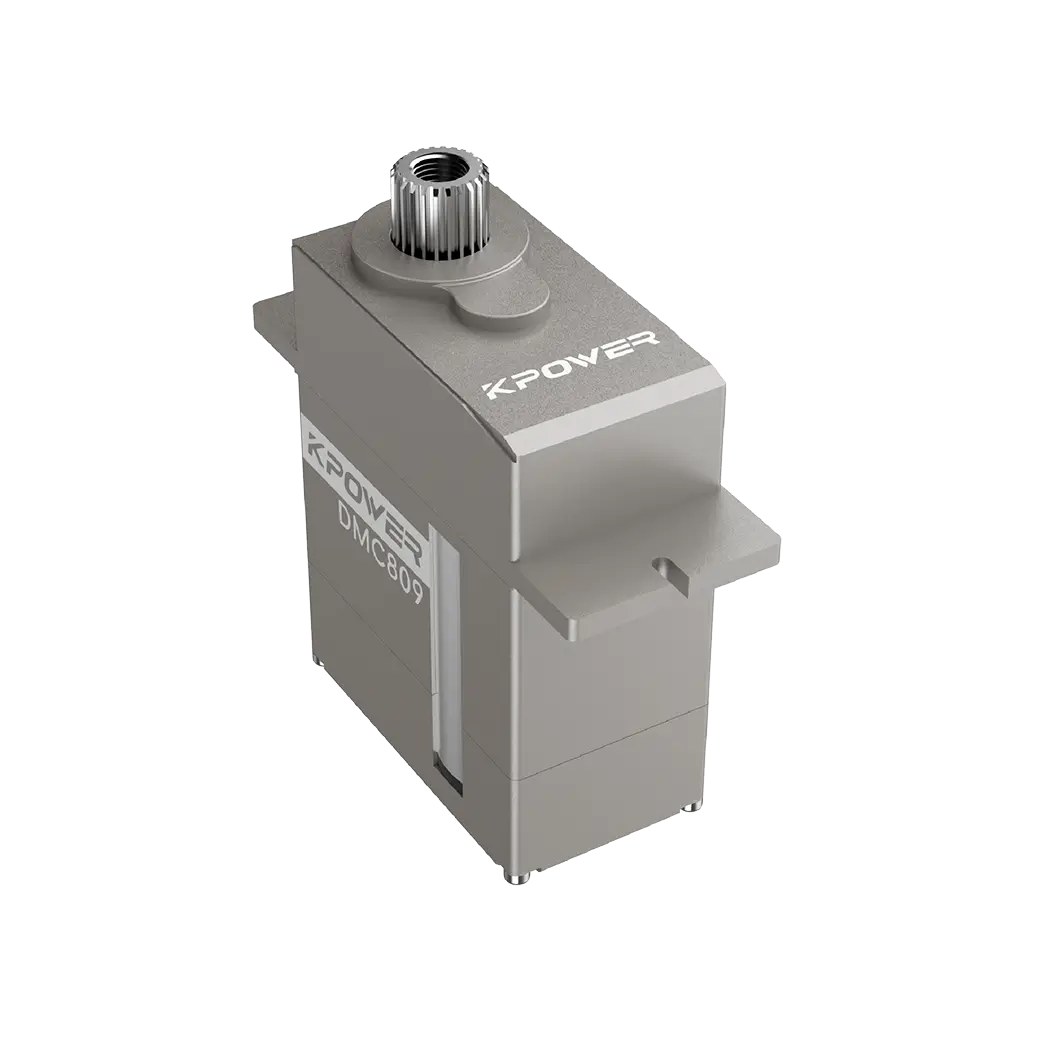
Have you ever encountered a situation where theservocannot turn to the desired angle after it is installed, or it gets stuck or gets seriously hot? This is most likely becausethe steering gear strokeis not adjusted correctly. Simply put, the stroke is the maximum range that theservocan rotate, which is like the farthest position that a human arm can reach. Today we will talk about how to get this seemingly inconspicuous but crucial setting to make your device move more smoothly and last longer.
If you want to adjust the stroke, you must first understand which parameter it corresponds to on the remote control or control panel. Usually in the menu of the remote control, you will find options such as "servoTravel" or "EPA", which is expressed in percentage. 100% is the default maximum angle, such as the 180° position of the 180-degree servo. All you have to do is enter this option, select the corresponding channel, such as channel 1 for controlling the arm, then move the joystick to the extreme position, and then use the buttons to increase or decrease the value.
During actual operation, remember to test the steering gear together with the mechanical structure. For example, when you adjust the gripper of a robotic arm, first set the stroke to 100% and see if the gripper has clamped the object tightly when it closes. If it gets stuck before it touches it, reduce the value appropriately until the gripper can close smoothly. Don't be afraid of trouble, you can find the most suitable point by fine-tuning it a few times.
Preparation work: First connect the servo to the receiver or control board, and install the rocker arm and mechanical components. Turn on the remote control and find the servo stroke setting interface. The location may be different for different brands. It is usually in the "Model Settings" or "Function Menu". Don't rush to adjust it yet. Push the rocker to the neutral position and check whether the servo rocker arm is aligned with the center of the mechanical structure. If not, adjust the neutral point first.
Official start: 1. Select the channel to be adjusted. 2. Push the joystick to a limit, such as all the way to the right, and then adjust the stroke value in that direction through the buttons, increasing or decreasing by 5%-10% each time, and observe the actual rotation angle of the servo. 3. Adjust the stroke in the other direction in the same way. 4. Repeated testing ensures that the servo can run smoothly at both extreme positions without any abnormal noise or overload sound. Once done, save the settings, disconnect the power supply and check if the mechanical connection is tight.
If the stroke is set too large, the most direct problem is that the steering gear must be forced to move beyond the position allowed by the mechanical structure. For example, your robot joints can only rotate 90 degrees, but the servo is set to 180 degrees. The result is that the internal gear of the servo is against the limit, the motor continues to stall, the current surges, and the servo can be burned out in a few minutes. Mechanical parts may also be forcibly torn or deformed.
In this case, quickly adjust the itinerary to a smaller amount. ️ Step one: First visually check the maximum allowable angle of the mechanical structure. For example, if a swing arm hits the base, it will no longer move. ️ Step 2: Reduce the stroke value in the corresponding direction on the remote control to 50%, and then gradually increase it until the swing arm stops just before the mechanical limit. ️ Step 3: Leave a margin of 5%-10% to avoid interference caused by thermal expansion and contraction or slight deformation after long-term work. Remember, it’s better to have less than more and safety first.
Calibratingthe servo stroke, especially when used on multi-axis robots or drone gimbals, is to make each servo "obedient" and hit where it is directed. The simplest way is to use a servo tester, first center the servo, then manually adjust the travel knob and observe the angle change of the output shaft until it is consistent with the target you set. For example, if the gimbal needs a pitch angle of ±45°, you can adjust the tester to the 45° position to see if the servo rotates exactly there.
More precise calibration can be achieved programmatically, using open source platforms such as or. Write a simple code to let the servo rotate to several preset angles in sequence. You use an angle ruler or a mobile phone protractor to measure the actual angle, then calculate the error and reversely correct the stroke value. The servos calibrated in this way can maintain synchronization during multi-axis linkage, and there will be no embarrassing situation where one rotates faster and the other rotates slower.
Many friends have reported that the steering gear has a clearly set stroke, but it is always not in place during actual operation. There are usually three reasons for this: First, mechanical interference, such as wire harness entanglement and over-tightening screws, causes the servo to require extra torque to rotate, and the stroke is naturally inaccurate. The second is signal interference, especially near long cables or high-power equipment. The pulse signal received by the servo will be distorted. You can try adding a magnetic ring or changing to a shielded wire.
The third is insufficient power supply. The current of the servo is maximum when it is close to the limit position. If the power supply cannot keep up, the voltage will drop instantly, and the servo will become "soft" and cannot turn to the end. The solution is simple, change to a high-current BEC or supply power to the servo separately. In addition, if you use several different models of servos, their stroke ranges may be inherently different, and they need to be calibrated individually one by one, and one set of parameters cannot be used for one-size-fits-all.
The appropriate amount of stroke directly determines the upper performance limit of the equipment. Take a racing drone as an example. If theservo strokeis too small and the steering surface deflection angle is not enough, the aircraft's turning radius will become larger and its flexibility will decrease. If it is too large, the steering surface may touch the aircraft arm or cause the airflow to separate, causing the aircraft to lose control. Therefore, professional pilots will accurately adjust the stroke of each control surface to 1% according to the aircraft model and flying style.
In robot applications, stroke volume affects the coordination and accuracy of movements. For example, in a hexapod robot, the joint stroke of each leg must match the gait algorithm, otherwise it will limp when walking. You can test like this: first set an action sequence and observe whether each servo can reach the specified angle within the required time. If some servos lag significantly or vibrate, reduce its stroke and let it work in a more comfortable range, so that the overall response speed will be faster.
During the debugging process of your servo, have you ever encountered any "supernatural events" that made you crazy? For example, even if it is set up, it will cause convulsions when moving, or it will malfunction after changing the position? Welcome to share your experience in the comment area, so that we can eliminate minefields and avoid pitfalls together. If this article is helpful to you, please give it a like and support it so that more friends can see it!
Update Time:2026-03-21

Contact Kpower's product specialist to recommend suitable motor or gearbox for your product.


